Most teams outgrow a simple CRM in one specific way: a workflow the tool cannot represent, so the real process moves into a spreadsheet beside it. That is the signal, not seat count. At that point you either migrate to something heavier, or you change the CRM. Most people only know about the first option.
This is the question every honest CRM conversation eventually reaches, and most vendors avoid it. A simple tool is easy to sell and easy to start with. What nobody wants to talk about is what happens in year two.
How do you know you have outgrown your CRM?
Not by counting users. Teams add seats for years without ever hitting a wall, because more people doing the same thing is exactly what a CRM is built for.
The real signal is a spreadsheet that exists because the CRM cannot hold something.
You will recognise it. There is a Google Sheet somebody maintains by hand. It has the real pipeline in it, or the real handover checklist, or the pricing logic, or the renewal dates. Everyone knows about it. It gets updated after the CRM does, or instead of it.
That spreadsheet is the shape of the gap between your process and your tool. Once it exists, the CRM has stopped being the system of record - it has become one of two places the truth lives, which is worse than having one bad place.
Other versions of the same signal:
- A deal stage everyone knows means something different from what it says
- A custom field being used for something unrelated to its name
- Notes fields holding structured information because there is nowhere else to put it
- An export-edit-reimport loop somebody runs every week
- New starters being told "ignore that bit, we do it in the sheet"
Is it the number of users, or something else?
Something else, nearly always.
Scale problems are real but rare in small and mid-size companies. What actually breaks is fit. Your business does something specific - a two-stage approval, a seasonal pricing rule, a handover between sales and delivery that has six steps - and the CRM has no way to represent it.
That mismatch does not get better as you grow. It gets more expensive, because more people are working around it.
Which is why "we need a bigger CRM" is usually the wrong diagnosis. A bigger CRM has more features, not different ones. If the thing you need is not in the box, a more expensive box does not contain it either.
What are your options when it happens?
Three, and the third is the one people do not know about.
Stay and absorb it. Keep the spreadsheet. This is more defensible than it sounds if the workaround is small and stable. It becomes untenable when the spreadsheet grows, or when the person who maintains it leaves.
Migrate to something heavier. The default move. You buy a bigger platform, pay for migration and training, lose two to three months of momentum, and arrive at a tool that still does not match your process exactly - because it was not built for your process either. You now pay more for features nobody opens.
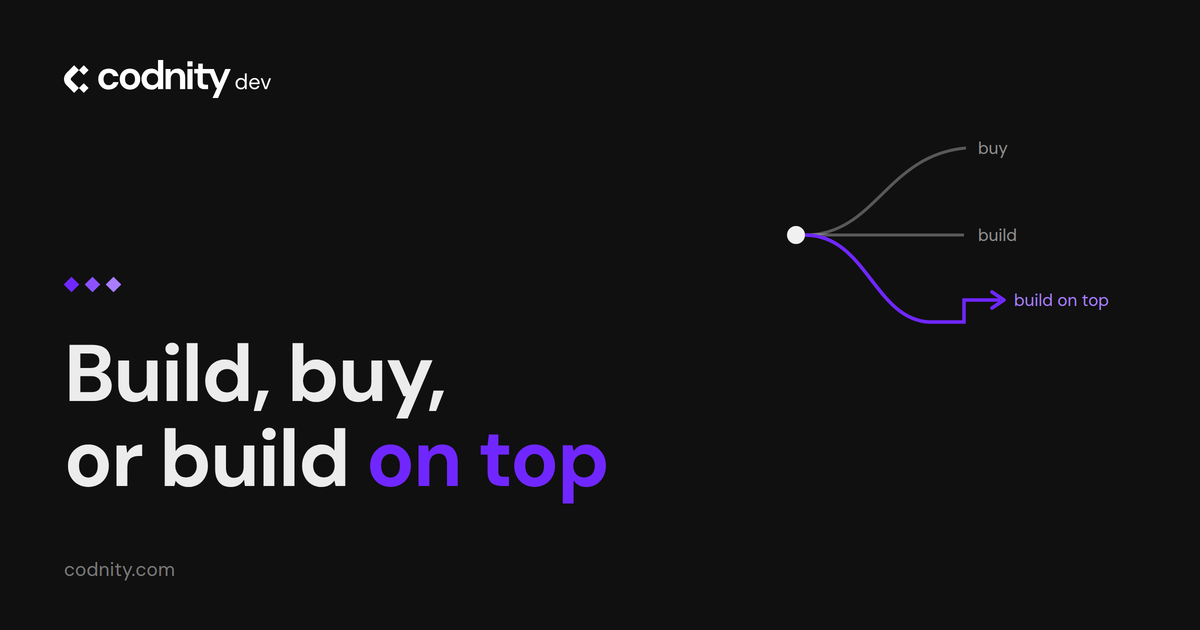
Change the CRM you have. Only possible if the tool was built to be changed. Most are not. This is the option we built for, so treat what follows as an interested opinion rather than a neutral one. We have written the full comparison in build, buy, or build on top.
What does "changing the CRM" actually mean?
It means the thing in the spreadsheet becomes part of the system.
The two-stage approval becomes a two-stage approval. The seasonal pricing rule runs in the tool. The six-step handover is six steps, with owners and dates, in the same place as the deal it belongs to.
Practically, it is a conversation about what the workflow should be, then a build against that. The foundation already exists - contacts, deals, pipeline, activity - so what is being added is the part specific to you, not the whole thing.
The simple CRM we sell is deliberately shaped for this. It starts with the standard things every company needs and nothing else. When the shadow spreadsheet appears, we build that thing into it rather than telling you to upgrade to a tier that contains forty features you did not ask for.
What does it cost to customise instead of migrate?
Setup covers migration, your first custom build and training, quoted as a fixed price after one scoping call. There is no per-seat number, because a per-seat price for bespoke work is a guess with a decimal point on it.
Compare that honestly against a migration. New licences at a higher per-seat rate. Implementation, which the industry treats as a two to three month project. Retraining everybody. The productivity dip while people relearn where things are. And at the end of it, a strong chance the shadow spreadsheet reappears in a slightly different form, because you moved to another product that was also not built for your business.
We are not going to put a seat count on this, because the number that matters is not a number. Teams do not outgrow a CRM at fifteen users or at fifty. They outgrow it the first time somebody opens a spreadsheet to hold something the CRM cannot hold, and then keeps it open.
That is the trigger worth watching for. Not the licence, not the headcount - the moment a second source of truth appears beside the first one and nobody has a plan to close it. By then the cost is already being paid, in reconciliation and in the errors that come from two versions of the same thing. Customising is only the decision to pay it once, somewhere it stops growing.
When should you not customise?
Three cases, and being straight about them is the reason to trust the rest of this.
When you need a different category of tool. If what you actually need is field service management, or a full ERP, or a support desk, a custom CRM is the wrong foundation. We will say so.
When the process is the problem. Sometimes the reason nothing fits is that the workflow grew by accident and nobody has ever questioned it. Building that into software makes it permanent. Occasionally the right answer is to fix the process and then discover the standard tool was fine.
When you have real enterprise requirements. Complex territory management, deep native integration with a specific enterprise stack, compliance regimes with certification requirements. Those are what the large platforms are genuinely good at, and pretending otherwise would not help you.
The question to ask any CRM vendor
Before you sign anything, ask: what happens when we need something the product does not do?
The answers sort themselves quickly. "Submit a feature request" means wait indefinitely. "Upgrade to Enterprise" means pay more for a bundle containing your one feature. "Use the API" means hire a developer. "We build it, here is what that costs and how long it takes" is a different kind of answer.
None of them is wrong. But you want to know which one you are buying before the shadow spreadsheet appears, not after.
Frequently asked questions
How do I know if I have outgrown my CRM?
Is it cheaper to customise or to migrate?
How long does a custom build take?
What if we outgrow the custom version too?
Can you customise HubSpot or Pipedrive instead?
Do we lose our data if we change CRM?
Published · Updated · Last reviewed
Reviewed by Kārlis Vorslovs, Codnity Dev, CRM product lead